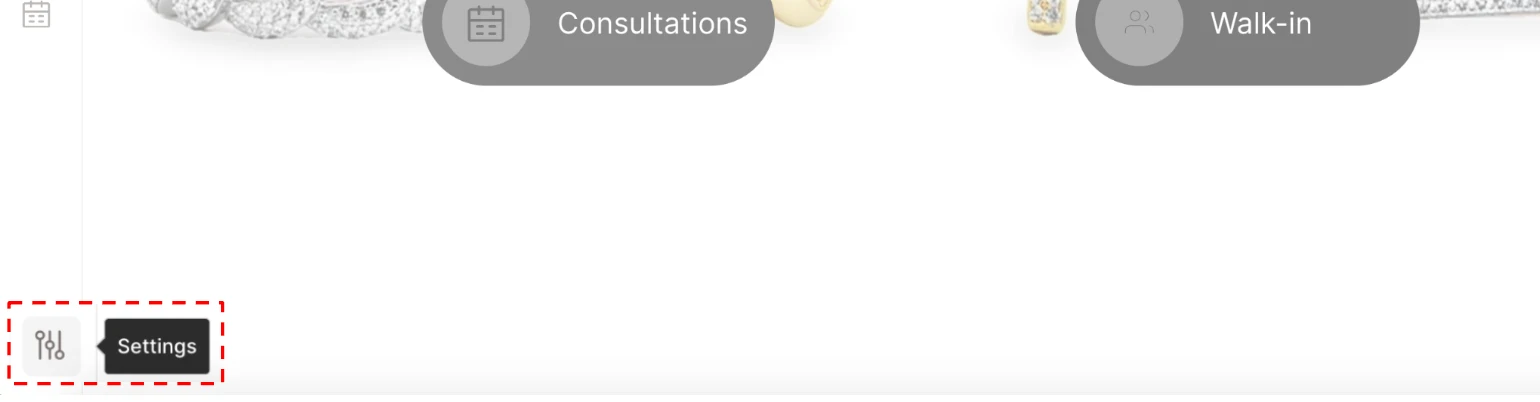
- Go to “Settings” in the sidebar menu
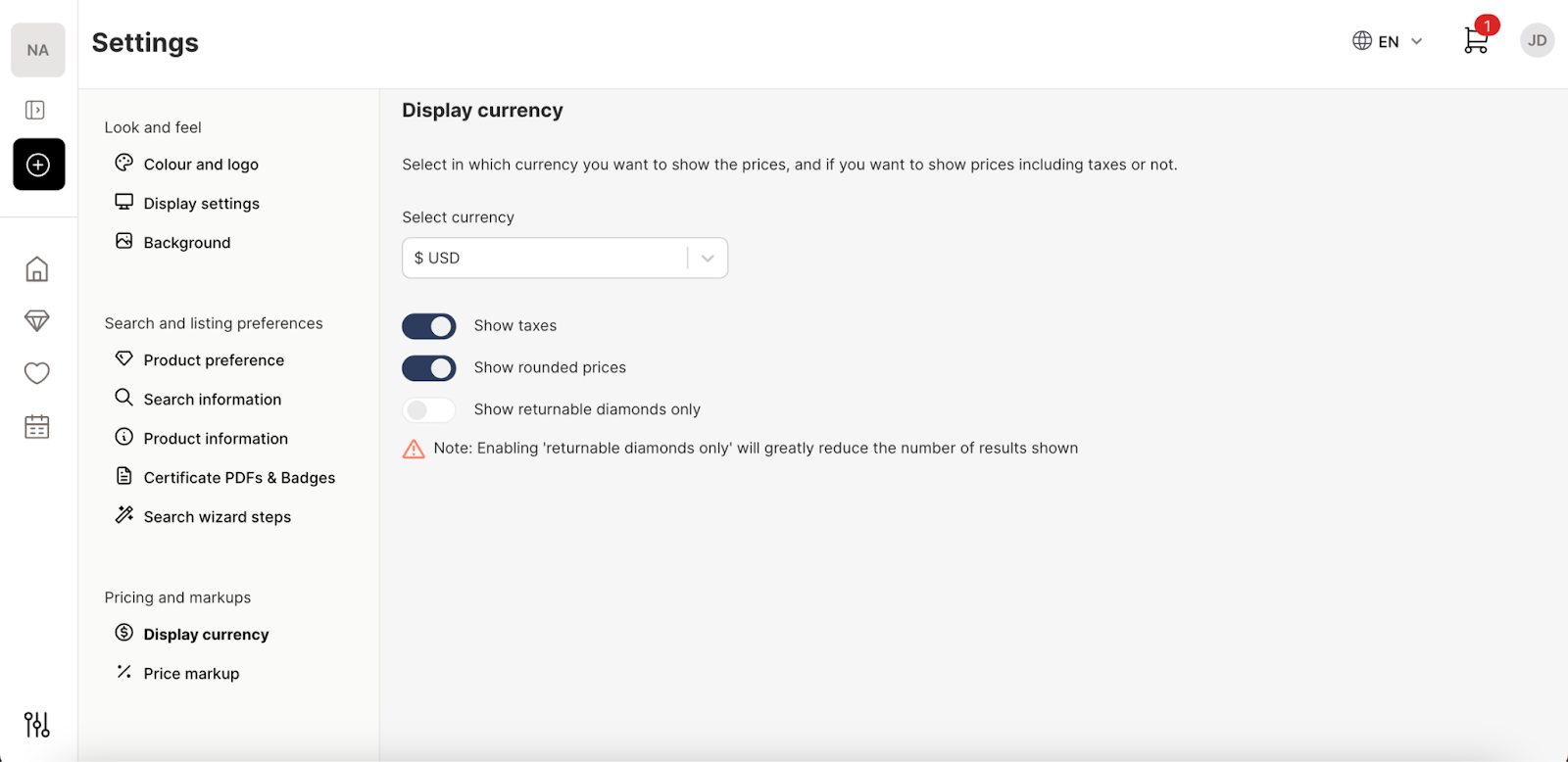
- Under the “Pricing and Markup” section you’ll be able to set the displayed currency, show or hide taxes, round off display prices, and customise the level of strictness with the search results in the “Display Currency” option.
-
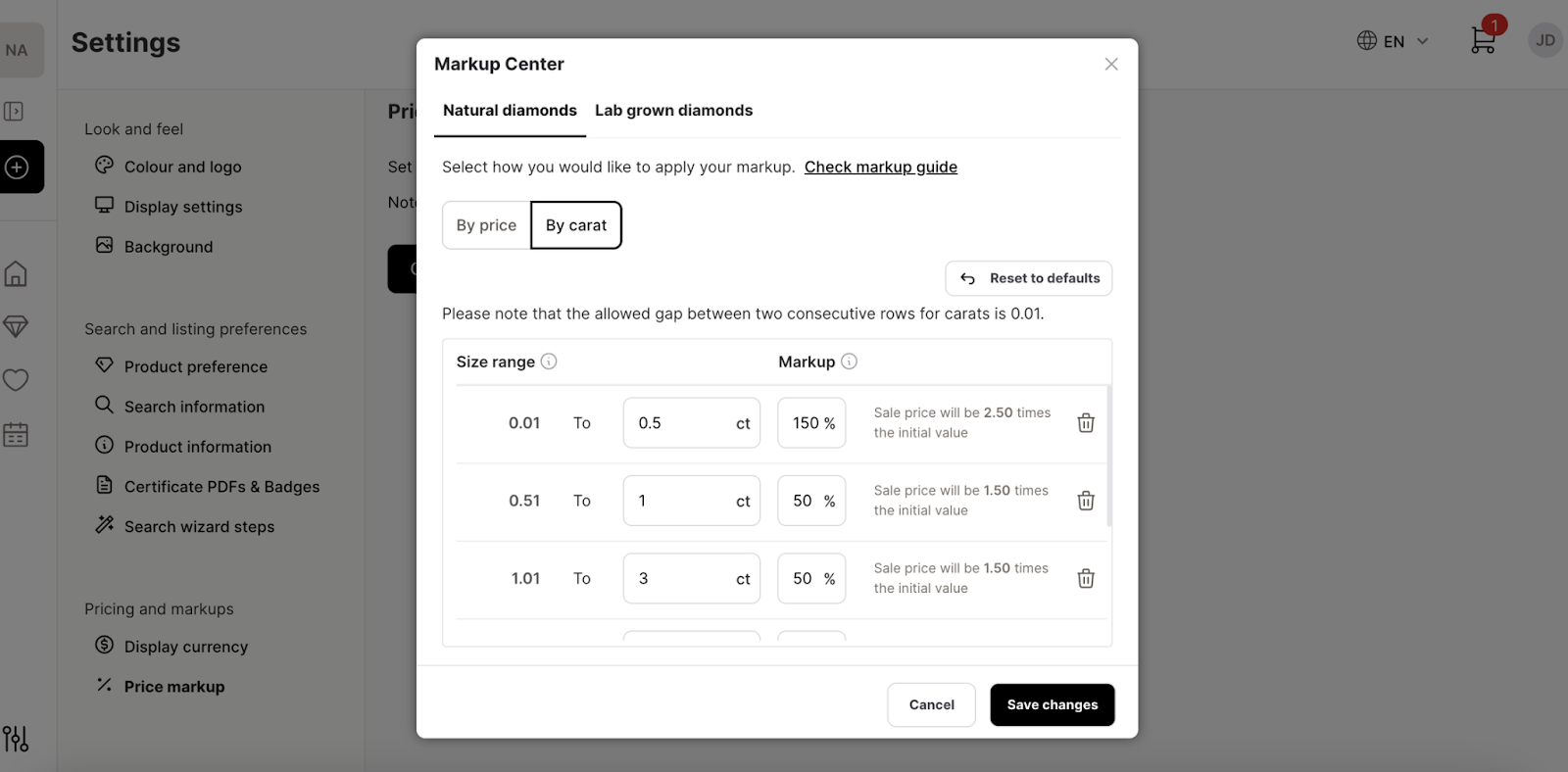
In the “Price Markup” window you’ll be able to set your markups based on cost size.
Note on Ring Markups: If you are using the Ring Configurator (US customers), you can apply a specific Ring Settings Markup separate from your diamond and gemstone margins. This ensures that when you configure a complete piece live with a customer, the total retail price automatically calculates accurately on the spot. See our guide for more info: Configure Showroom settings for Engagement RingsOur video guide to markups on Showroom