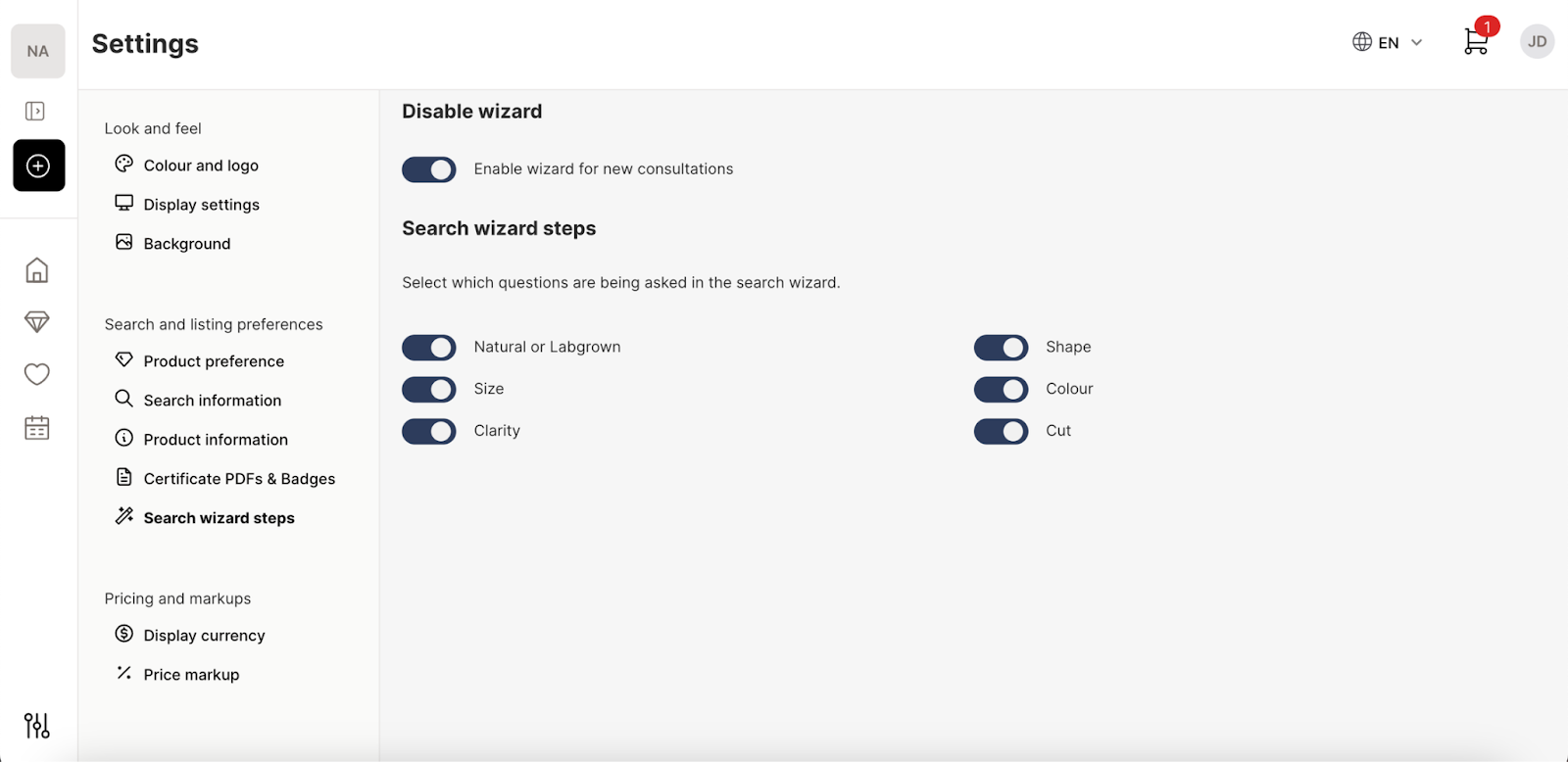
- Yes, you can find these tools under “Settings” in the sidebar menu.
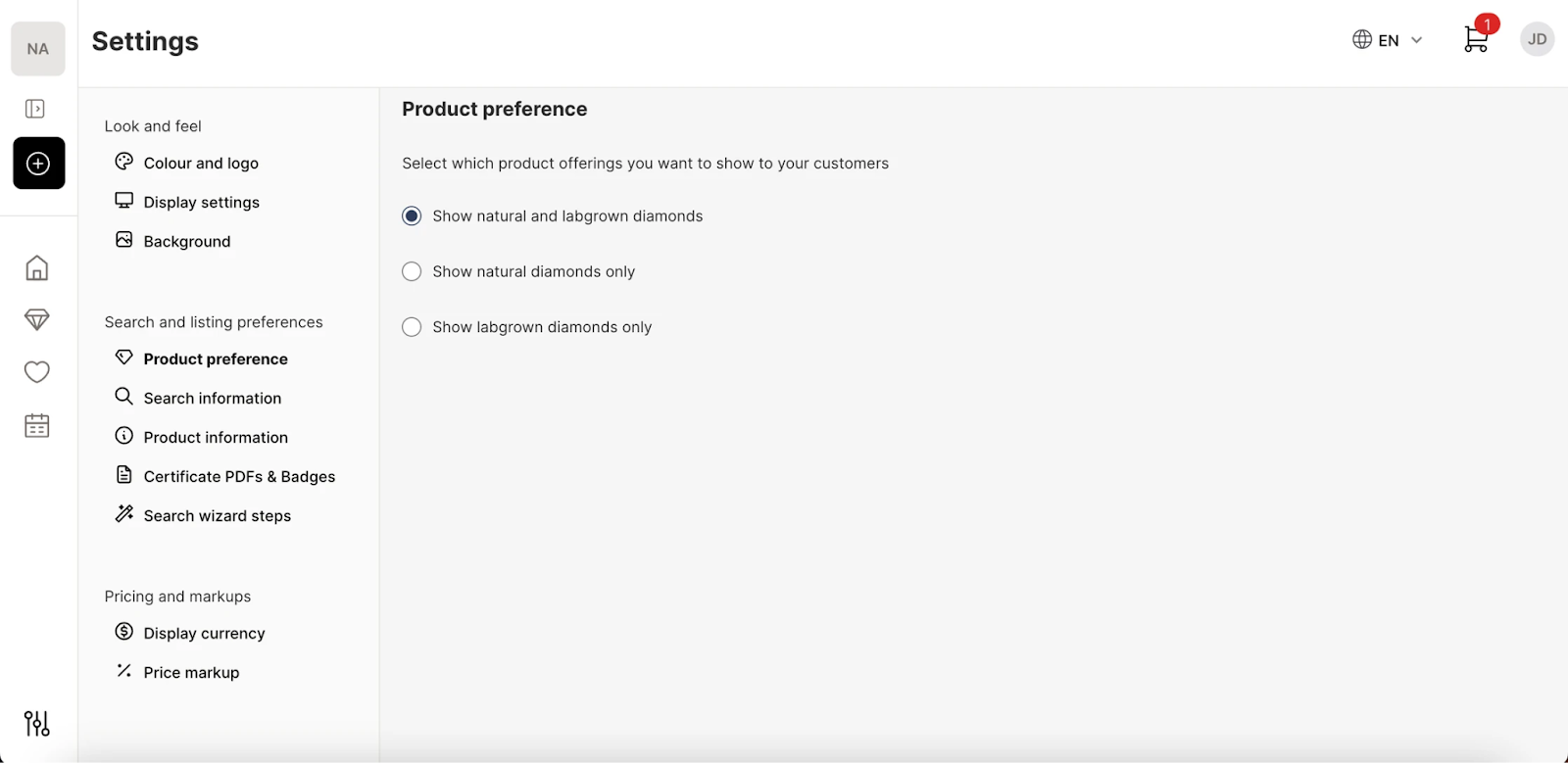
- Under “Search and Listing Preferences” you can choose between showcasing natural diamonds, lab grown, or both.
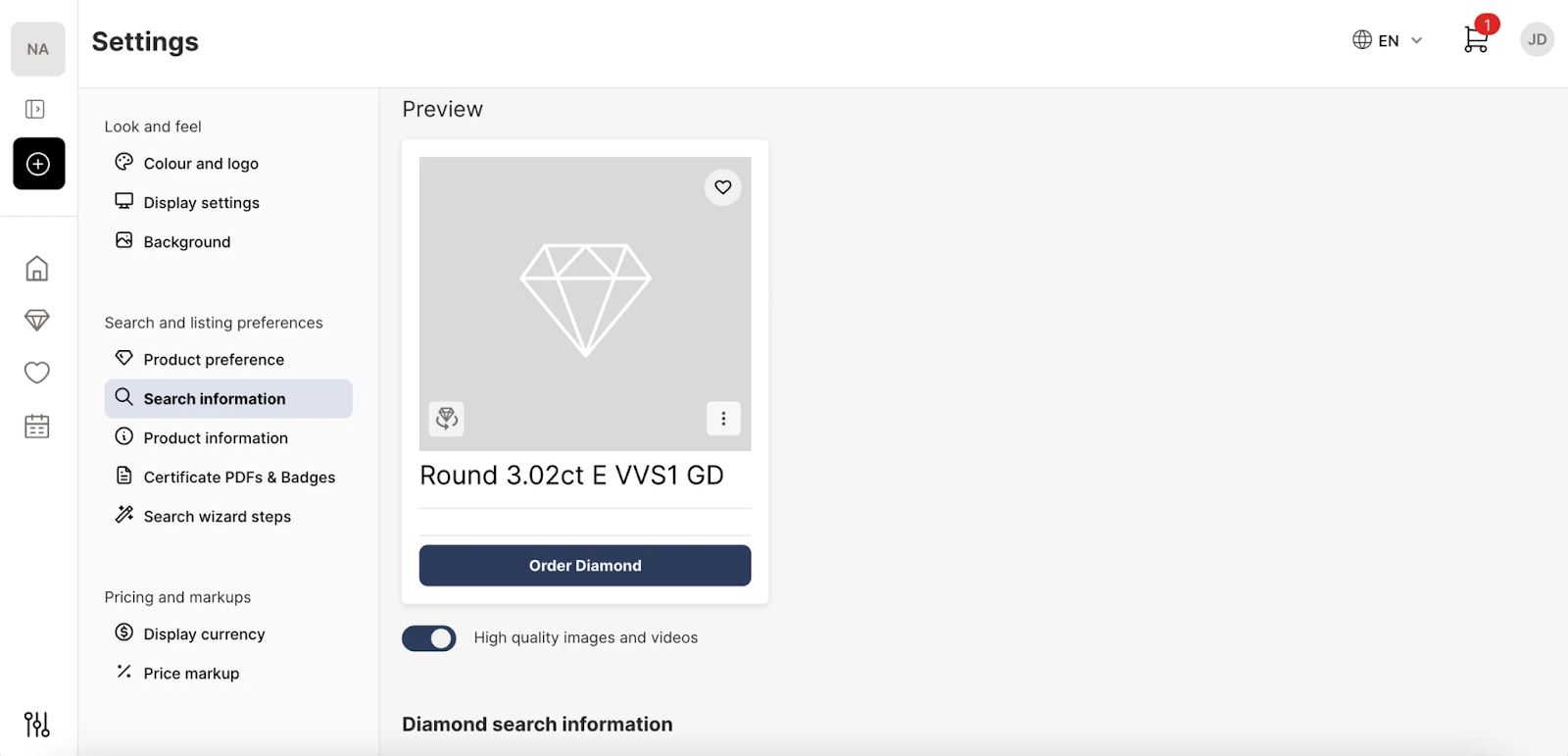
- You can also set the displayable stone details in “Search Information”
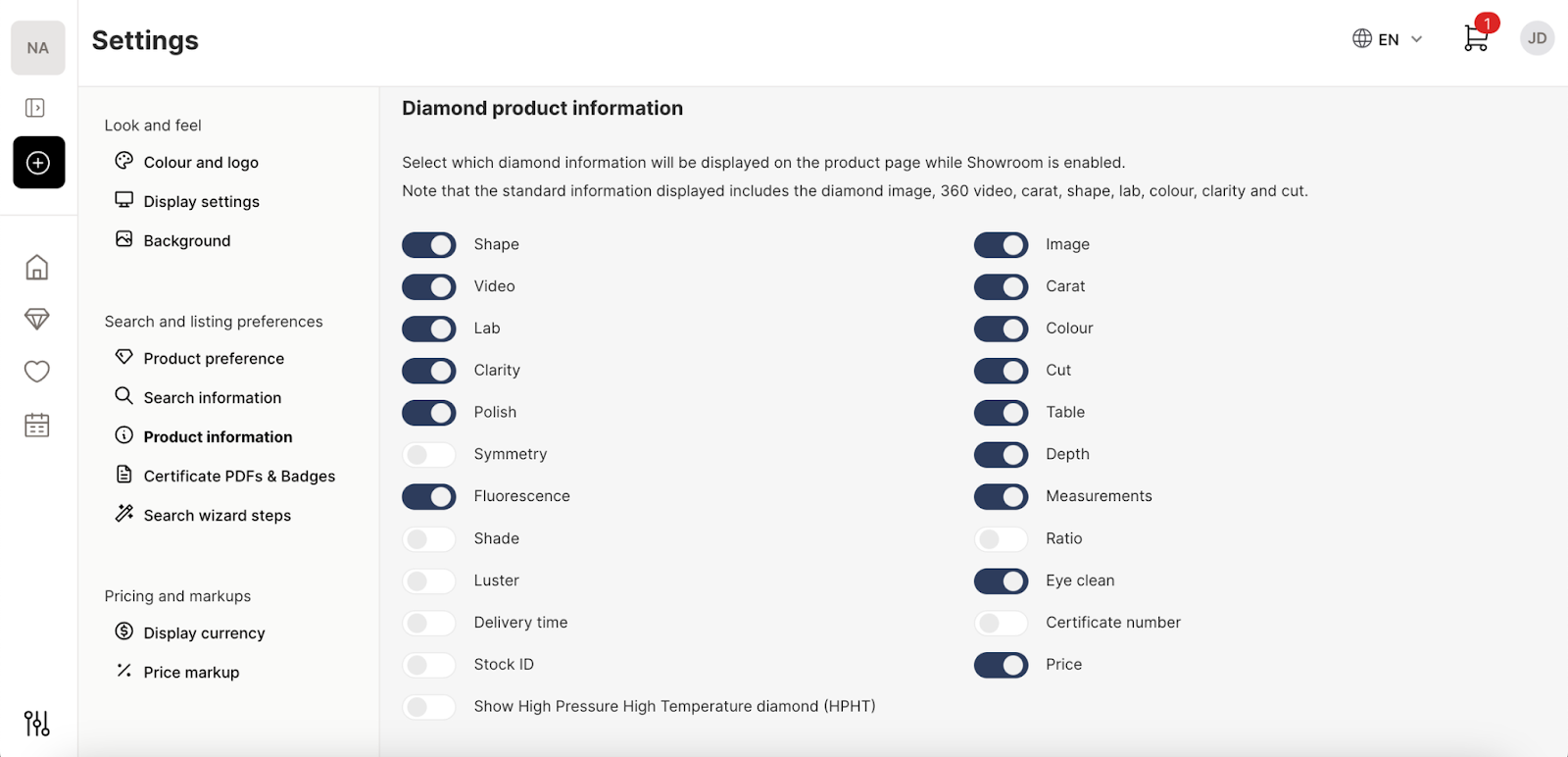
- The “Product Information” section allows you to toggle the visible information within a stone’s product page.
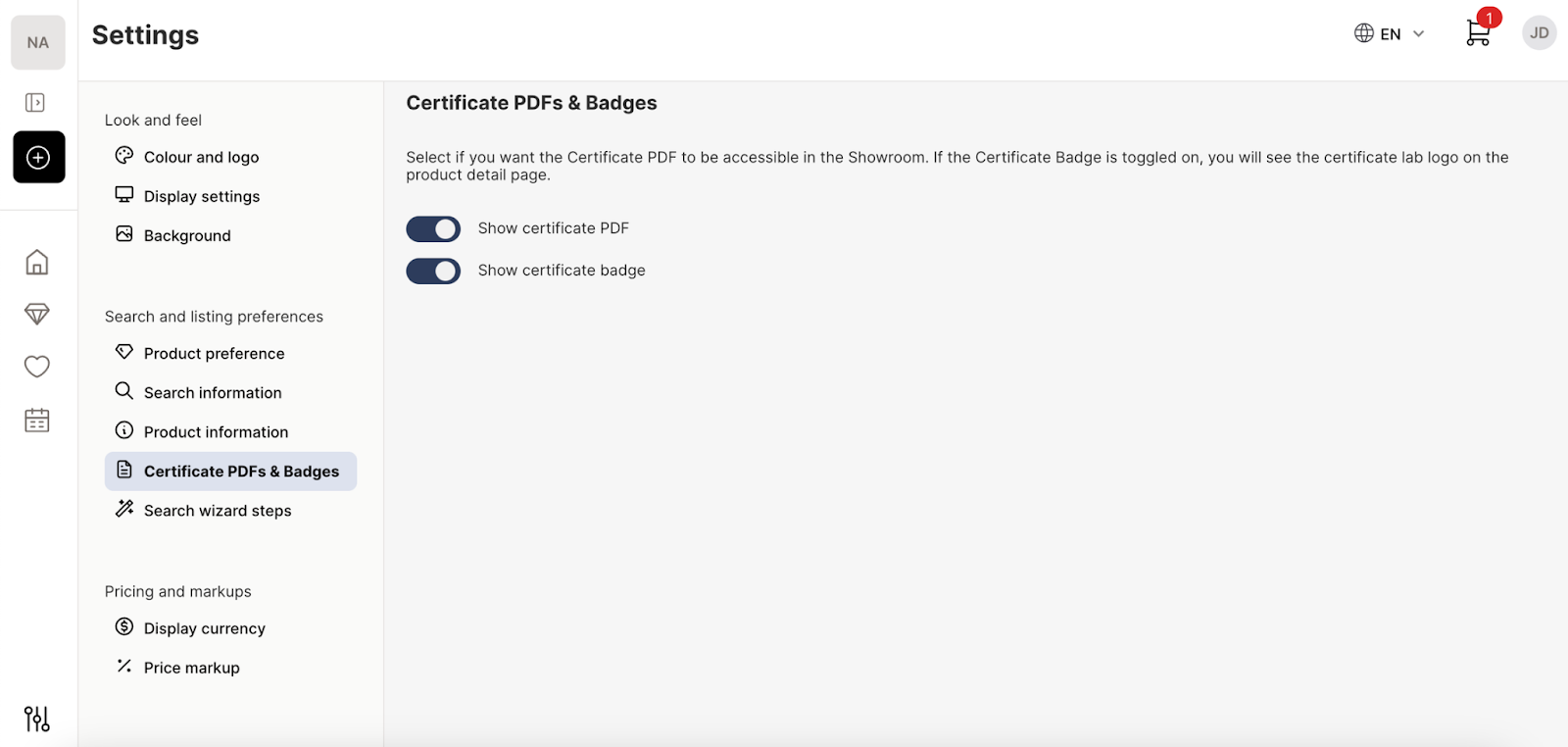
- You can also display the credentials of a stone in the “Certificate, PDF & Badges” option.
-
Customise the wizard search tool in the “Search Wizard Steps” section to be as simple or detailed as you like.
Managing Ring Options: For US stores using the Ring Configurator, the Account Owner can curate exactly which metals (Platinum) and gold karats (10k, 14k, 18k) are available to view and purchase by adjusting the Engagement Ring Preferences under the Showroom settings. See our guide here for more information Configure Showroom settings for Engagement RingsOur video guide to adjusting the search results on Showroom