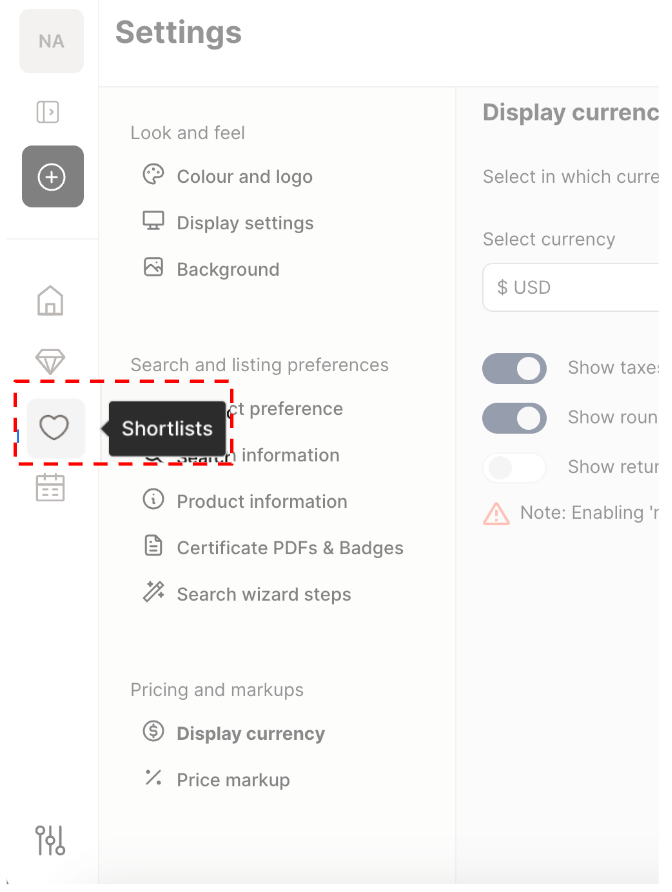
1. Go to “Shortlists” in the sidebar menu.
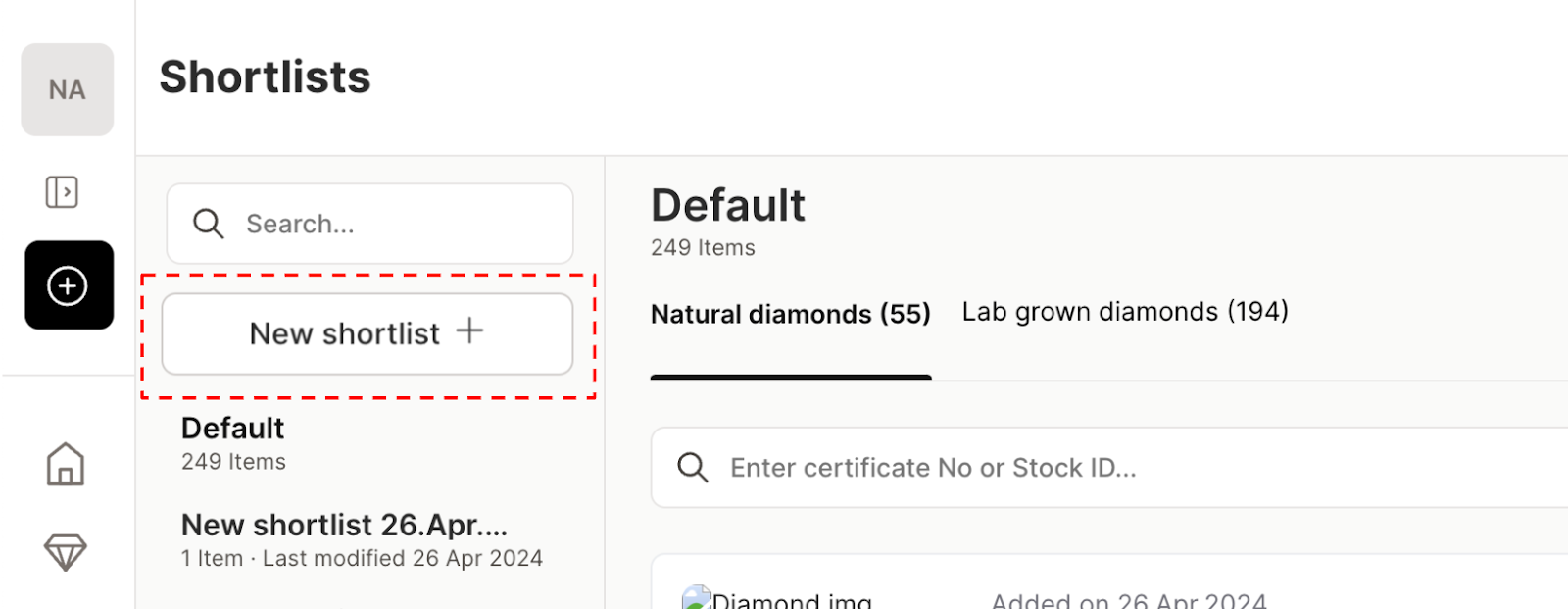
2. Click “New Shortlist +” to get started.
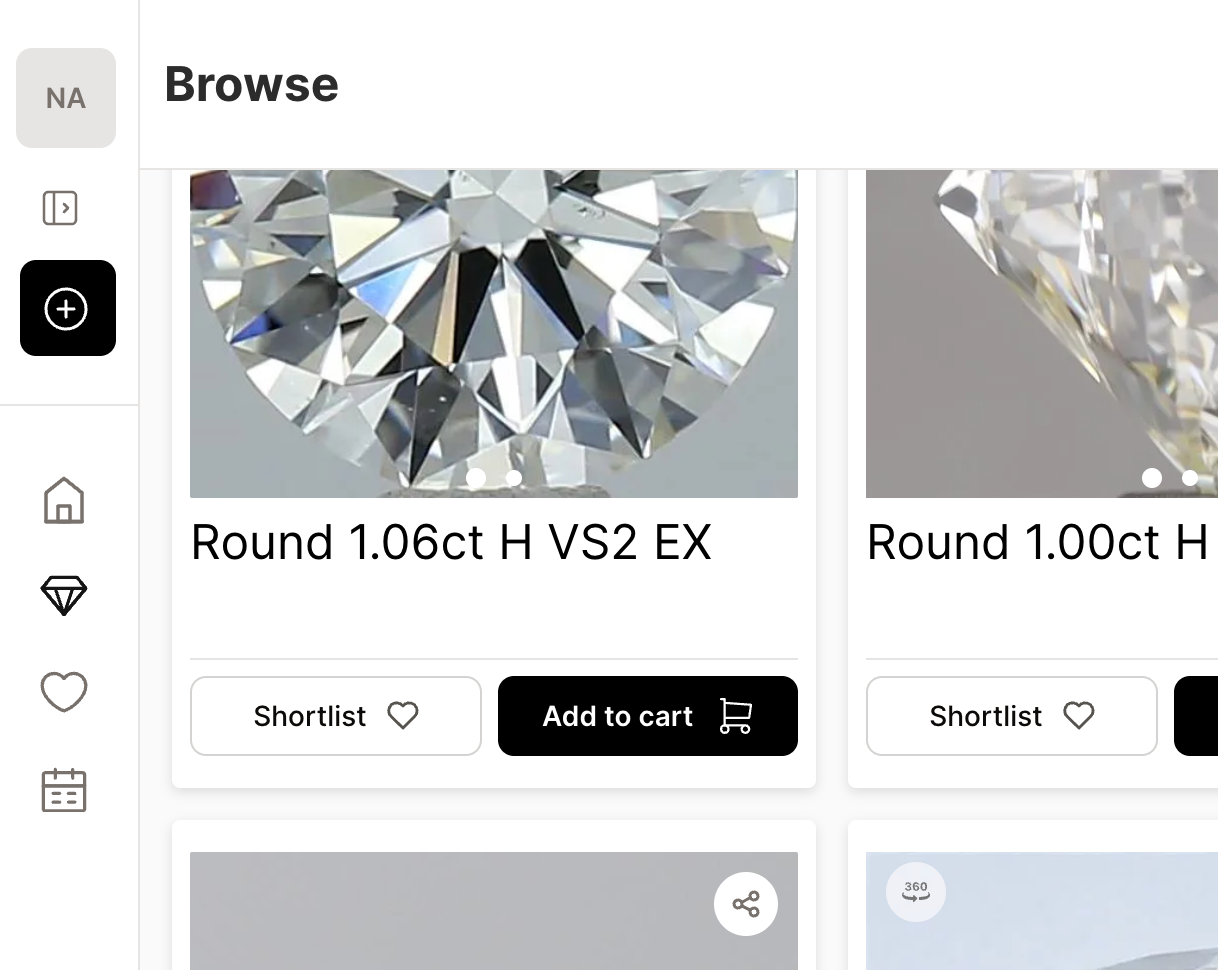
You can also create a shortlist while browsing. Just click the “Shortlist” button under any diamond to save it to a new or existing list as you go.
Our video guide for Showroom shortlisting